

World and map
Cities, company depots, fuel stations and cargo - and where your players are.
mp.world knows the map of your server: every city, every company depot, fuel stations, services, dealers and more, and every cargo of the game. The data comes built into the server.
Cities, companies, places
mp.world.cities()                       // [{ id: "berlin", name: "Berlin", country: "germany", population, position }]
mp.world.city("berlin")
mp.world.companies({ city: "berlin" })  // the depots in Berlin
mp.world.company("dfh", "berlin")       // { id, name, city, position, spawn, sends, accepts }
mp.world.places("fuel")                 // fuel stations; also "service", "dealer", "garage",
                                        // "recruitment", "weighStation", "parking", "viewpoint", "ferry"
mp.world.cargo()                        // [{ id: "apples", groups, bodies, mass, adr, ... }]
mp.world.countries()                    // ["austria", "germany", ...]
Positions are { x, z } in metres - the same as player.position without the height. A depot's spawn is a full place for a truck - { position: { x, y, z }, heading } - as used by mp.players.teleportToCompany. Ids are the game's ids, the same as in jobs (job.source.cityId) and in the JobBuilder.
Near a player
mp.commands.add("fuel", "the next fuel station", (player) => {
  if (!player.position) return
  const station = mp.world.nearestPlace(player.position, "fuel")
  const city = mp.world.nearestCity(player.position)
  if (station) {
    const km = (mp.world.distance(player.position, station.position) / 1000).toFixed(1)
    mp.chat.send(player, `Next fuel station: ${km} km, near ${city?.name}`)
  }
})
nearestCompany(position, id?) finds the closest depot, optionally of one company.
Cities and countries
mp.events.on("playerEnterCity", (player, city) => mp.chat.send(player, `Welcome to ${city.name}!`))
mp.events.on("playerLeaveCity", (player, city) => { /* ... */ })
mp.events.on("playerEnterCountry", (player, country, from) => {
  if (from) mp.chat.send(player, `Border: ${from} -> ${country}`)
})
A city counts within a radius from its centre that grows with its population (0.8 to 2.5 km). The country is that of the nearest city, so the event fires close to the border, not exactly on it.
Where players start
Every session is a fresh career: no truck, no garage, no progress from single player. The player stands on the desktop and presses Drive - that gives the fallback vehicle - and is then put at your standard spawn. Set it once, e.g. when the gamemode starts:
mp.events.on("gamemodeStarted", () => {
  mp.world.setSpawn({ city: "berlin", vehicle: "scania_r_2016" })   // a random depot in Berlin
})
// or: { company: "tradeaux", city: "dusseldorf" }  - that depot
// or: { position: { x: -31200, y: 50, z: -14800 }, heading: 90 }  - a point
vehicle is the truck "Drive" gives (else mp.players.setFallbackVehicle or fallback_vehicle in server.cfg). The spawn is applied on playerReady, before your own handlers; the client keeps it until the player has a truck. Without a spawn players start wherever the game puts them, which may be off the map.
Time of day
mp.world.setTime(20, 0) // 20:00 for everyone onlineEach game keeps running from there; players joining later have their own time until you set it again (e.g. in playerJoin).
Weather
ETS2 has two kinds of weather: "clear" and "rain" (sometimes with a thunderstorm).
mp.world.setWeather("rain")                    // everyone online, at once
mp.players.setWeather(player, "clear")         // one player
The game rolls the next weather by itself after a while, from the rule badWeather (the share of bad weather). To keep a weather, set the rule as well - 0 never rains, 1 always rains - and players joining later get the same:
mp.rules.set("badWeather", 1)
mp.world.setWeather("rain")
Markers on the live map
The server's live map (http://<server>:<http_port>/) shows markers your gamemode puts there:
const meet = mp.map.addMarker({ position: { x: 11078, z: -8596 }, label: "Convoy start 20:00", color: "#22c55e" })
meet.label = "Convoy start 20:30"   // change it at any time
meet.position = player.position!
meet.remove()
Markers go away when the gamemode stops.
The live map is a public web page: everyone who opens it sees all of its markers, there is no players option. For markers only certain players see, use mp.markers with players.
Markers in the game
mp.markers puts markers into the players' 3D world. Up to 250 m from the player's truck the marker stands in the world as a hologram of the game itself - like the green ones at the delivery spot - so trucks, buildings, the cab and terrain hide it like everything else. Above it floats a label with the distance (e.g. "Convoy start · 2.41 km", counting down to the metre while you drive), like the name tags over the trucks.
position- where, in metres:{ x, z }(floats at the height of each player's own truck) or{ x, y, z }(e.g.player.position). Changemarker.positionto move it.label- the text above it, at most 80 characters; the distance is added.players- only these players see the marker, e.g.players: [player]or a team. Leave it out for everyone, also those who join later. The list is fixed when the marker is created; for another group add another marker.icon- the symbol in the hologram, the game's own (see below); default"flag","none"leaves the middle empty,"ring"shows only the ring on the ground.color- the label takes it exactly; the hologram the nearest of green, blue, red, orange, yellow, purple, pink, cyan and white.range- players see the marker only within this many metres of their truck (default 100, up to 100000); the label fades out at the edge.throughObjects-true: the label is seen through everything - for destinations far away. By default (false) buildings, bridges and terrain between the camera and the label hide it, like the hologram (other vehicles do not).showLabel-false: no label, only the hologram (defaulttrue).
Symbols
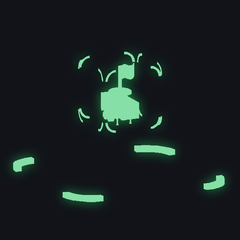
flag - the default (delivery spot)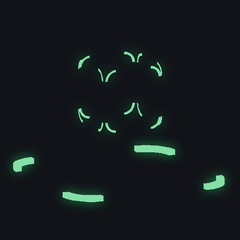
none - only brackets and ring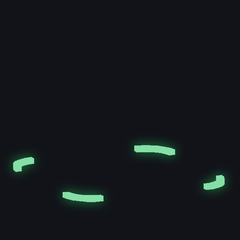
ring - only the ring on the ground
question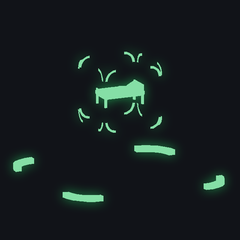
rest (bed)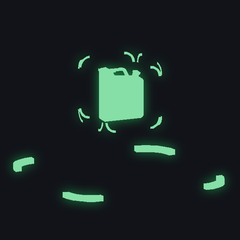
fuel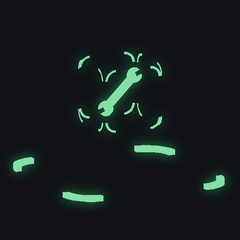
service (wrench)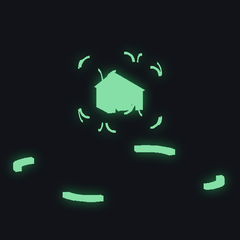
garage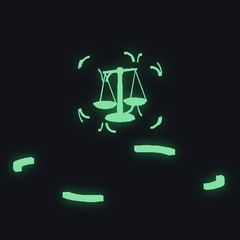
weigh (scales)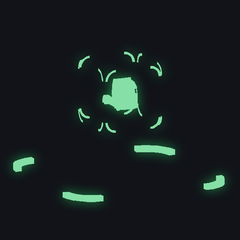
dealer
recruitment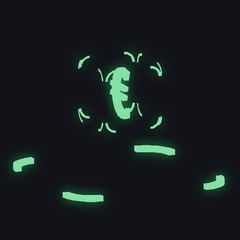
buy (euro)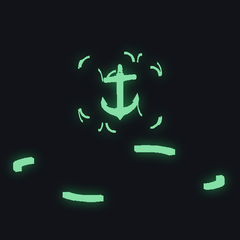
ferry (anchor)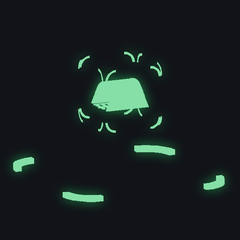
train
toll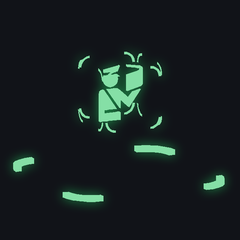
border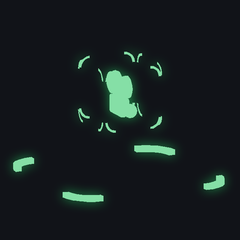
viewpointColours
The hologram takes the nearest of these to the marker's color (the label takes it exactly):
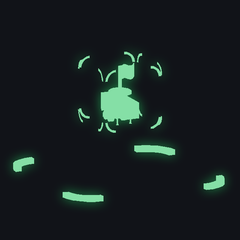
#22c55e
#3b82f6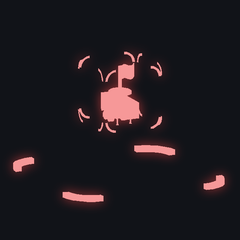
#ef4444
#f59e0b
#eab308
#a855f7
#ec4899
#06b6d4
#f5f5f5mp.markers.add({ position: { x: 11078, z: -8596 }, label: "Fuel stop", icon: "fuel", color: "#3b82f6" })
mp.markers.add({ position: player.position!, label: "Meeting point", icon: "none", color: "#ec4899" })
mp.markers.add({ position: player.position!, icon: "ring", showLabel: false }) // just a circle on the ground
mp.markers.add({ position: player.position!, icon: "rest", showLabel: false }) // only the hologramconst meet = mp.markers.add({ position: player.position!, label: "Convoy start", color: "#22c55e", range: 2000, throughObjects: true })
const vip = mp.markers.add({ position: { x: 11078, z: -8596 }, label: "VIP parking", players: [player] }) // only for this player
meet.label = "Convoy start 20:30" // change it at any time
meet.remove()Without y the marker floats at the height of each player's own truck - good for points from the map. Players who join later see the markers meant for everyone. Markers go away when the gamemode stops.
To drive there, set the destination of a player's navigation: the game plans the route to the nearest road within 200 m and shows its flag on the map and the route advisor.
mp.players.navigateTo(player, meet.position)
mp.players.navigateTo(player, null) // no destination
The gamemode freeroam uses both: /meet sets a meeting point for everyone, /navi <player> sets the route to it.